
Unified Inbox for Omnichannel Support

My rule for a unified inbox: keep customer history together and give every conversation one owner. Before connecting web chat and WhatsApp, I’d define how contacts match, who handles each request, and when AI hands off to a person.
In Converso, I’d start with these checks:
- Records and access: Verify customer details, review duplicates, and set workspace permissions.
- AI and human handoffs: Limit AI to approved knowledge, test requests for a person, and check the 120-second fallback contact form when no human is assigned.
- Channel tests: Confirm history and ownership survive channel switches, reassignment, and delivery failures.
- Quality and privacy: Track human response times, confirmed resolutions, repeat contacts, costs, consent, and retention settings.
The goal isn’t just one place to read messages. I’d test for <u>one clear path from first message to resolution</u>, then start with a limited launch.

Unified Inbox Workflow: From First Message to Resolution
Set Up Your Inbox and Customer Records
Map every entry point, including where customers switch channels or repeat information. Use that map to set up records, ownership, and escalation rules before routing live conversations.
Organize Customer Records, Workspaces, and Access
Choose a primary customer identifier and save each contact’s verified email address or phone number. This keeps the same customer linked across channels. Put one person in charge of reviewing duplicates before any merge.
WhatsApp messages create contacts, but web chat visitors start as guests. Check how identity matching works before you rely on it.[5] Use separate workspaces to keep knowledge and team access separate, and grant only the permissions each person needs. Check which fields and permissions each workspace supports.[7][9]
| Setup area | Problem addressed | Data or rule to establish |
|---|---|---|
| Channel connections | Unknown message origin | Entry page, channel, connection owner |
| Customer records | Duplicate identities | Primary ID, verified contact details |
| Shared history | Missing context | Messages, timestamps, unresolved context |
| Routing | Requests reaching the wrong team | Intent, urgency, entitlement, responsible team |
| Permissions | Unnecessary data access | Workspace membership, knowledge scope, permitted actions |
With records and access in place, define who owns each conversation and when ownership changes.
Define Conversation Status and Ownership
Define your team’s conversation statuses, then map them to the inbox’s available fields and automations. Each status should make clear who acts next. Document routing by intent, urgency, entitlement, and team owner, keeping automated rules separate from manual escalations.
Converso can assign incoming messages to a configured AI agent. Humans can then unassign the AI to take over.[2] Every handoff should name one accountable owner, the unresolved issue, and the next action - even when several colleagues help. A notification alone does not establish ownership.
Test these rules by switching channels and handing conversations between AI and humans.
Test Channel Switching and Delivery Failures
Before launch, run these checks with authorized test contacts to see whether context carries through routing changes. Compare identity, history, timestamps, and ownership at every step. Record unsupported behavior rather than assuming identities will match automatically.
| Event | Source data | Destination record | Expected result |
|---|---|---|---|
| Web chat → WhatsApp | Guest chat and supplied phone number | WhatsApp contact | Verify matching via phone number if provided.[5] |
| AI → human | AI exchange and handoff request | Human-owned conversation | History stays visible; AI unassigns and humans receive a notification.[2] |
| No human assigned | Unassigned handoff | Contact-capture form | Verify the form appears after 120 seconds.[2] |
| Duplicate contacts | Guest and existing contact | Reviewed customer record | No unverified merge or exposure of another customer’s history |
| Delayed or missing message | Sent message and timestamp | Intended conversation | Check ordering and receipt; document recovery without duplicate replies |
| Disconnected channel | Connection state and pending messages | Affected inbox | Identify the interruption and assign recovery ownership |
| Reassignment or reopened issue | Previous owner and history | Next owner’s inbox | Context stays available and one owner accepts the next action |
sbb-itb-e1b05dc
Set Up AI Agents and Human Handoffs
Define Each Agent’s Knowledge and Tasks
With routing in place, spell out what the AI can answer and when a human needs to step in.
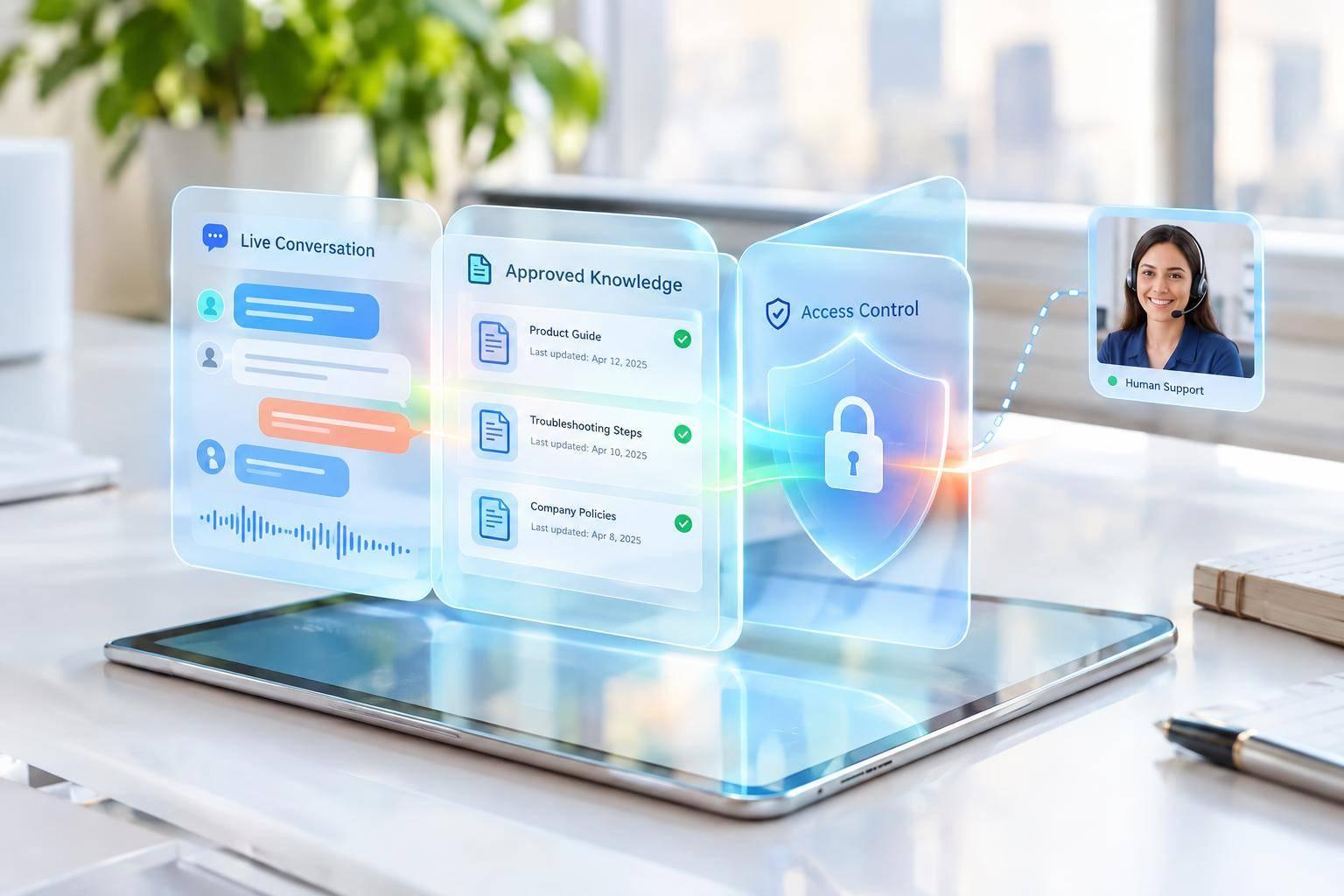
Start with Converso’s Customer Support Agent template. Limit it to a workspace-specific knowledge base built from product docs, FAQs, and troubleshooting guides.[6][9] Leave out sales collateral, and review the knowledge regularly so answers stay accurate and consistent across the shared support workflow.[6]
Define which requests the AI handles and which it escalates. Document any remaining rules as team policy.
Deploy Agents on Web Chat and WhatsApp
After you publish an agent in a workspace, it automatically handles new inbound messages from connected web chat and WhatsApp channels.[2][6] For launch, limit its scope to documented product questions, pricing clarification, onboarding, and basic troubleshooting. Check its answers against approved documentation, and keep follow-up questions in the same thread.
For WhatsApp, confirm that you have a dedicated phone number and an active Facebook Business Account. Check template approval requirements before planning outbound follow-ups.[4]
Once the agent is live, set rules that require a human handoff.
Set Escalation Rules and Handoff Requirements
Converso should hand off conversations when it runs into knowledge gaps, account-specific billing or contract requests, sensitive legal, compliance, or security issues, or signs of customer frustration. Requests to speak with a person should trigger an immediate escalation.[2]
Use the shared inbox and internal notes to give the human agent the context they need.[1] Set a 120-second pickup SLA for human handoffs.[2][6] Before returning a conversation to AI, confirm that the sensitive or account-specific issue is resolved. This keeps the customer from getting stuck in another handoff loop.[2]
Manage the Inbox and Measure Support Quality
Once the inbox is live, review it for missed handoffs and sync issues before they grow. These checks help you confirm that conversation context stays intact across channels.
Set Response Targets and Track Results
At each shift change, check unassigned and unresolved conversations in My Inbox. Rebalance assignments so every conversation has one owner.
Document first-response and resolution targets, business hours, and a time zone such as America/New_York. Count a human reply - not an auto-response - as the first response.
| Metric | Definition and measurement window | Decision it informs |
|---|---|---|
| First response time | Measure urgent human response times against your SLA. Use the 120-second handoff trigger as the escalation baseline.[2][6] | Adjust staffing and escalation coverage. |
| Workload and resolution status | Check assigned conversations in My Inbox and review built-in workload and resolution-status reports.[1] | Rebalance assignments before the backlog grows. |
| Handoff rate and repeat contacts | Track how often AI hands conversations to humans and how often customers return with the same issue. | Improve knowledge coverage and closure criteria. |
| Contact capture rate | Check how often the fallback contact form collects customer details when no human is assigned.[2][6] | Follow up on missed handoffs and possible lead loss. |
| Synchronization health | Check for duplicate records or split threads across WhatsApp and web chat.[1][4] | Keep conversation history intact and avoid duplicate work. |
| Cost per resolved conversation | Divide support cost in USD by confirmed resolutions over the same period. | Assess cost without rewarding premature closures. |
Review Answer Errors and Handoff Failures
Use performance reviews to find where context gets lost, not just where answers go wrong. Start with split threads, duplicate contacts, and missing context. Check contact records, message timestamps, channels, and delivery status. Workspace admins should reconcile verified duplicates and split threads in Contacts.[2][4]
During each review cycle, sample resolved and escalated conversations across channels and workspaces, including those handled by AI and humans. Check answer accuracy and repeat contacts. Assign knowledge corrections to the workspace administrator, and routing or ownership fixes to the inbox team. Include low-confidence answers and human corrections in the next review. Monitor live conversations so staff can step in or unassign AI before errors spread.[2][3][6]
After checking quality, verify that access and retention controls still protect shared conversation history.
Audit Access, Data Retention, and Consent
Review team membership, assignment logs, and workspace permissions regularly and after role changes. An assignment filter does not prove that access is restricted.[1][2]
Check transcript retention, deletion, export, and audit capabilities against your organization’s requirements to protect history from all channels in one place.[1][2] Before sending outbound WhatsApp messages, check consent records: template approval alone does not establish customer consent.[4] Treat captured contacts as follow-up, not resolution.[2][4]
Conclusion: Unified Inbox Launch Checklist
Before launch, test the full path from first message to resolution. Check web chat and WhatsApp end to end. Confirm one thread per customer, shared history for AI and human replies, correct workspace routing, contact details saved in Contacts, and private internal notes.[1][2][8][10]
Test what happens when things go wrong. Ask out-of-scope questions and request a human. Check the escalation trigger, assigned owner, full conversation history, and handback to AI.[1][2][6] Test delivery and sync failures, too.[2][10]
Once those checks pass, start with a limited launch. Assign owners for SLAs, quality reviews, and knowledge updates. Expand only when reports show accurate answers, confirmed resolutions, and reliable handoffs.[1][2][3][6]
FAQs
How should we handle anonymous customers switching channels?
Converso keeps interactions in one conversation thread in your omnichannel inbox by linking them to a persistent contact record. When an existing contact messages you through another channel - say, WhatsApp after a web chat - their conversation history and metadata stay intact. Your team keeps the context without juggling separate threads or asking customers to repeat themselves.
How do we manage human handoffs after hours?
If a conversation is escalated after hours or when no human agents are available, the AI agent stays active so customers still get a response.
If no human agent is assigned within 120 seconds of the handoff trigger, the system automatically sends a contact form through the chat widget. Customers can leave a phone number or email address, which is saved in your contacts for follow-up during business hours.
How do we know when to expand our rollout?
Track response times, resolution rates, and customer satisfaction scores in your unified dashboard to assess performance before expanding. Check unanswered messages to see when a human needs to step in to maintain service quality.
Use real-time workspace analytics to spot busy periods and customer segments that need more support. Before expanding, use these findings to decide where to add resources or adjust what your AI agent knows.

.svg)
.svg)
.svg)
.svg)