
Multi-Channel Support: Setup Checklist for SMEs

Want to boost customer satisfaction and loyalty? Set up multi-channel support for your SME. Here's what you need to know:
- Multi-channel support lets customers reach you via email, phone, chat, social media, etc.
- It increases customer happiness, speeds up problem-solving, and gives you an edge over competitors
- 57% of customers prefer digital channels for support
Key steps to set up multi-channel support:
- Review current support methods
- Choose channels your customers want
- Get the right tools (like an AI-powered helpdesk)
- Train your team for each channel
- Create clear support processes and guidelines
- Set goals and keep improving
Benefits:
- 10% faster responses
- 17% quicker issue resolution
- 95% of consumers say it affects brand loyalty
Remember: Focus on quality over quantity. Start with 2-3 channels and grow from there.
ChannelGood ForSetupResponse TimeEmailLong questionsEasyMediumPhoneComplex issuesMediumFastLive ChatQuick helpMediumVery FastSocial MediaPublic queriesEasyFastSelf-serviceCommon problemsHard initiallyInstant
Multi-channel support isn't just nice to have - it's essential for keeping customers coming back.
Related video from YouTube
Getting Ready for Multi-Channel Support
Let's talk about prepping your SME for multi-channel support. It's not just about jumping in - you need to do some groundwork first.
Review Current Support Methods
Take a good look at what you're doing now. What channels are you using? How well are they working?
Here's something interesting: Zendesk found that 57% of customers prefer digital channels for support. That's a big chunk, right? It shows why expanding beyond just phone support is so important.
Find Out How Customers Want to Communicate
You need to know what your customers want. Do some surveys, look at your support tickets, and talk to your customers.
Check this out: In 2022, more people were using mobile apps (+14%), text/SMS (+9%), and messenger apps (+6%) for support compared to two years before. Looks like people are loving mobile-friendly options.
Check Your Budget and Resources
Multi-channel support isn't free. You'll need to invest in tech and people. How much can you spend on this?
Here's the good news: Companies using multi-channel support see a 10% growth year-on-year. So, while there are upfront costs, it can really pay off.
Check Support Team Skills
What can your team do now? What new skills do they need? Multi-channel support might mean learning new things, like handling video calls or managing social media.
"Your service organization must have all of your service channels connected with customer data." - Salesforce
This quote is spot on. It's not just about adding channels - you need to connect them all together.
Check Your Tech Setup
Can your current tech handle more channels? Do you need new software or hardware?
Consider tools like Converso.io. It's an AI-powered helpdesk that works across multiple channels like webchat, WhatsApp, and SMS. Tools like this can make multi-channel support a lot easier.
Picking and Connecting Support Channels
Let's dive into choosing and connecting your support channels. This step is key for smooth multi-channel customer support.
Pick Your Main Support Channels
Think about what your customers like and what your business can handle. Email and phone are still popular, but don't stop there.
Live chat is hot right now, especially with younger folks. It's quick and can cut down response times. Take HubSpot's ChatSpot - it's an AI chatbot that works 24/7 and can even find potential customers.
Social media is big too, especially if you're after millennials and Gen Z. It's not just about replying to tweets - many customers now want help through DMs on Instagram or Twitter.
Here's a tip: It's better to do great on a few channels than okay on many. Start with 2-3 main ones and grow from there based on what your customers say and what your team can handle.
What You Need to Connect Channels
To link your support channels, you'll want a solid Customer Relationship Management (CRM) system or a helpdesk tool. These bring all customer interactions into one place, giving you a full picture of each customer's history.
For example, Converso.io has an AI-powered helpdesk that works with webchat, WhatsApp, and SMS. This kind of tool lets AI and human agents work together smoothly, keeping the customer experience consistent no matter how they reach out.
Making Sure Systems Work Together
It's crucial that everything works together to avoid disconnected experiences. Your CRM or helpdesk should pull in data from all your support channels, creating one source of truth for customer interactions.
Let's say a customer starts chatting live and then follows up with an email. Your support team should see the whole conversation in one place. This matters - 69% of customers expect their experience to be connected across channels.
Safety and Rules to Follow
When you're setting up multi-channel support, data security is a must. Make sure your tools follow GDPR rules, especially if you have European customers.
Set up strict rules for how your team handles data. For example, never share sensitive info on public social media. Train your team to move these conversations to safer channels like email or phone.
Support Channel Comparison
Here's a quick look at some popular support channels to help you choose:
ChannelGood ForSetupResponse TimeEmailLong questionsEasyMediumPhoneTricky issuesMediumFastLive ChatQuick helpMediumVery FastSocial MediaPublic questionsEasyFastSelf-serviceCommon problemsHard at firstInstant
Pick the channels that fit your business and customers best. Remember, it's about quality, not quantity. Start small, do it well, and grow from there.
Technical Setup Steps
Let's break down setting up your multi-channel support system into bite-sized steps.
Setting Up Help Desk Software
Your help desk is where all customer interactions come together. Here's how to set it up:
1. Choose your software
Pick a tool that integrates with your existing setup and can grow with your business. Converso.io, for example, offers an AI-powered helpdesk that works across webchat, WhatsApp, and SMS.
2. Configure it
Set up ticket categories, priority levels, and routing rules. This helps your team handle issues faster.
3. Create agent profiles
Give each team member their own login and set permissions based on their role.
4. Link channels
Connect your email, chat, and social media accounts to your help desk. This creates a single source of truth for all customer interactions.
"A smooth-running help desk is like a well-oiled machine – it makes everything else in customer service easier." - Support Manager
Setting Up Each Channel
Now, let's get each support channel ready:
Email: Set up a dedicated support email address and create templates for common issues.
Live Chat: Install the chat widget on your website and set up chatbot scripts for initial customer interactions.
Phone: Set up an IVR system to direct calls and record professional greetings.
Social Media: Create dedicated support accounts and set up monitoring tools to catch all brand mentions.
Pro tip: Test each channel before going live. Send test messages, make test calls, and make sure everything works smoothly.
Adding Converso.io AI Features
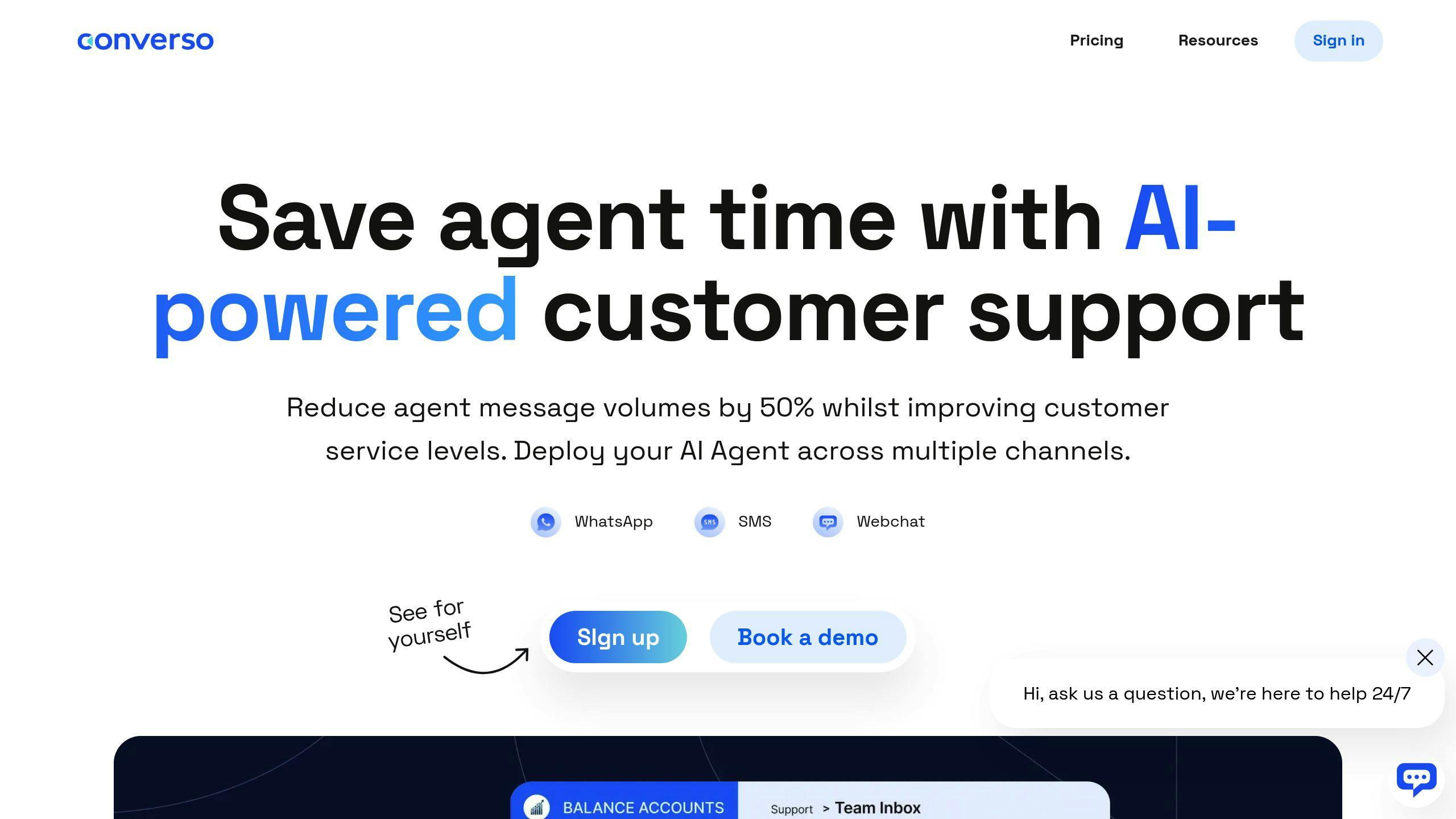
Converso.io's AI tools can supercharge your support. Here's how:
1. AI Agent setup
Configure AI agents to handle first-line support. This can cut response times and free up human agents for complex issues.
2. Knowledge base integration
Connect your knowledge base to the AI. This helps it provide accurate, up-to-date info to customers.
3. Human handover rules
Set clear guidelines for when the AI should transfer a conversation to a human agent.
4. Analytics setup
Configure your dashboard to track AI performance. This helps you improve your automated support over time.
Setting Up Auto-Responses
Auto-responses can be a huge time-saver. Here's how to set them up:
1. Identify common queries
Look at your support history. What questions pop up again and again?
2. Craft clear responses
Write clear, friendly answers to these common questions.
3. Set up triggers
Configure your help desk to send these auto-responses based on specific keywords or categories.
4. Test and refine
Send test queries to make sure your auto-responses trigger correctly. Tweak as needed.
"The goal is to make the customer feel heard and helped, even if it's an automated response." - Customer Service Expert
sbb-itb-e1b05dc
Team Setup and Training
Let's talk about setting up your team for multi-channel support. It's a big deal for SMEs, so we'll cover how to organize your support crew and train them right.
Support Team Setup
When you're putting your support team together, think about these roles:
- Channel Specialists: Got someone who's great with Twitter? Let them handle social media support.
- Tier System: Set up different levels. Tier 1 deals with the easy stuff, while Tier 2 and 3 tackle the tough problems.
- Quality Assurance: Pick someone to keep an eye on support quality across all channels.
Here's a fun fact: Zendesk found that companies who solve problems fastest are 42% more likely to use a tiered support system. Pretty cool, right?
Team Member Access Levels
You've got to be smart about who can access what. It's all about security and getting things done:
- Read-Only: New hires can look, but not touch.
- Limited Access: Most of your support agents get this. They can handle tickets and update customer info.
- Full Access: This is for your top dogs. They've got the keys to the kingdom.
Salesforce says to give people only the access they need to do their job. Makes sense, doesn't it?
Training Plan and Guidelines
You need a solid training plan to keep your support top-notch. Here's how to do it:
1. Initial Training
Start with a boot camp. Cover your product, company rules, and support tools. Zapier does this for a whole month, including shadowing the pros in different departments.
2. Channel-Specific Training
Each channel needs its own skills:
- Chat: Teach multitasking and using pre-written responses.
- Phone: Work on how to sound friendly and really listen.
- Email: Focus on writing clearly and making it look good.
3. Ongoing Education
Keep your team sharp with regular training. Buffer lets their team spend 10% of their time learning new stuff, including how to be better at customer service.
4. Documentation
Make a big knowledge base for your team. Atlassian has a wiki where they keep all their support docs. It makes it easy for agents to find what they need, fast.
5. Role-Playing Exercises
Practice makes perfect. Act out tough support situations. Airbnb does this a lot to get their agents ready for anything.
The key? Be consistent across all channels. As Jeff Toister, who wrote "The Service Culture Handbook", puts it:
"The goal isn't to be good at social media, email, or chat. The goal is to be good at customer service, no matter which channel the customer chooses."
That's what it's all about - being great at helping customers, wherever they reach out to you.
Setting Up Support Processes
Let's talk about how SMEs can build solid support systems that deliver top-notch service across multiple channels.
Support Guidelines
Want your team to handle customer questions like pros? Here's how to set up clear guidelines:
1. Document common scenarios
Look at your old support tickets. What questions keep popping up? What issues do you see over and over?
2. Create step-by-step procedures
Write out detailed instructions for each common scenario. Don't forget to include what to do when things get complicated.
3. Set response time expectations
How fast should your team reply? Set some goals. For example, aim to respond to social media messages within an hour.
4. Establish tone and voice guidelines
Write a style guide that sounds like your brand. Keep it professional, but let your personality shine through.
5. Regular updates
Your business changes, and so should your guidelines. Give them a once-over every few months to keep them fresh.
Message Templates and Routing
Want to make your support process smoother? Try these tricks:
- Develop templates: Write up some go-to responses for common questions. Just remember to tweak them for each channel.
- Implement smart routing: Use your helpdesk software to send tickets to the right person automatically.
- Set up auto-responses: Let customers know you got their message, even if it's after hours.
- Personalization: Teach your team to add a personal touch to those templates. Nobody likes talking to a robot.
Support Goals and Targets
How do you know if your multi-channel support is working? Set some goals:
- First Response Time (FRT): How fast can you say "We're on it!"?
- Average Handle Time (AHT): How long does it take to solve a problem?
- Customer Satisfaction Score (CSAT): Are your customers happy? Ask them!
- First Contact Resolution (FCR): Can you solve the problem in one go?
- Channel Preference: Which support channels do your customers love?
Checking Quality and Getting Feedback
Want to keep improving? Here's how:
- Quality assurance checks: Randomly review a handful of closed tickets. Are you following your own rules?
- Post-interaction surveys: Ask customers what they thought right after you help them.
- Analyze customer feedback: Look for patterns in what customers are saying.
- Regular team meetings: Get your support team together to swap stories and ideas.
- Mystery shopping: Try out your own support channels. How does it feel to be on the other side?
Wrap-Up
Multi-channel support isn't just a fancy add-on for your SME - it's a must-have in today's world. Let's break down the key steps:
1. Check your current setup
Look at how you're handling support now. What do your customers actually want? Here's a fun fact: 57% of customers prefer digital channels for support. So don't ignore those online options!
2. Pick your channels smart
Choose channels that your customers like and that you can handle well. It's better to rock a few channels than to be mediocre on many.
3. Get the right tools
A good helpdesk system (like Converso.io) can be a game-changer. It can use AI to make your support smoother across different channels.
4. Train your team
Make sure your support staff can handle different channels like pros. As Jeff Toister, who wrote "The Service Culture Handbook", says:
"The goal isn't to be good at social media, email, or chat. The goal is to be good at customer service, no matter which channel the customer chooses."
5. Set up clear processes
Make guidelines, create message templates, and set goals you can measure. This keeps things consistent across all channels.
6. Keep improving
Regularly check how well you're doing and ask customers what they think. Then use that info to get even better.
By setting up solid multi-channel support, you're setting your SME up to win. Here's what you can look forward to:
- Happier customers: Companies with multi-channel support are 10% faster at responding and 17% quicker at fixing issues.
- More loyal customers: 95% of consumers say customer service affects whether they stick with a brand.
- Better customer retention: Improving retention by just 5% can boost profits by 25% to 95%.
- Edge over competitors: 58% of customers will pay more for a better experience.
The key? Make sure the experience is smooth across all channels. As one expert puts it:
"If you care about cohesive and positive customer experience, providing multichannel support is not a choice."
So there you have it. Multi-channel support isn't just nice to have - it's how you keep your customers coming back for more.
FAQs
What does a multi-channel customer service approach enable businesses to do?
A multi-channel customer service approach lets businesses connect with customers on their terms. Here's what it does:
It makes support more accessible. Customers can reach out through email, phone, live chat, or social media - whatever works best for them. This flexibility makes customers happier.
It keeps things consistent. When done right, businesses sound the same no matter where customers talk to them. And that's important - 90% of customers expect the same experience across all platforms.
It boosts efficiency. By bringing all channels together, companies can streamline their support. Take All Plants, for example. After they started using Dixa's multi-channel solution, they cut 2-3 minutes off each ticket and slashed live chat response time by 70%.
It personalizes support. When businesses can see all customer interactions in one place, they can offer more tailored help. This matters because 75% of American consumers are more loyal to brands that "get" them personally.
It increases customer value. Good support can boost profits. Research shows 86% of buyers will pay more for a great customer experience.
In short, multi-channel support helps businesses be where their customers are, work smarter, and build stronger relationships.



.svg)
.svg)
.svg)
.svg)